[Updated, January 2026]
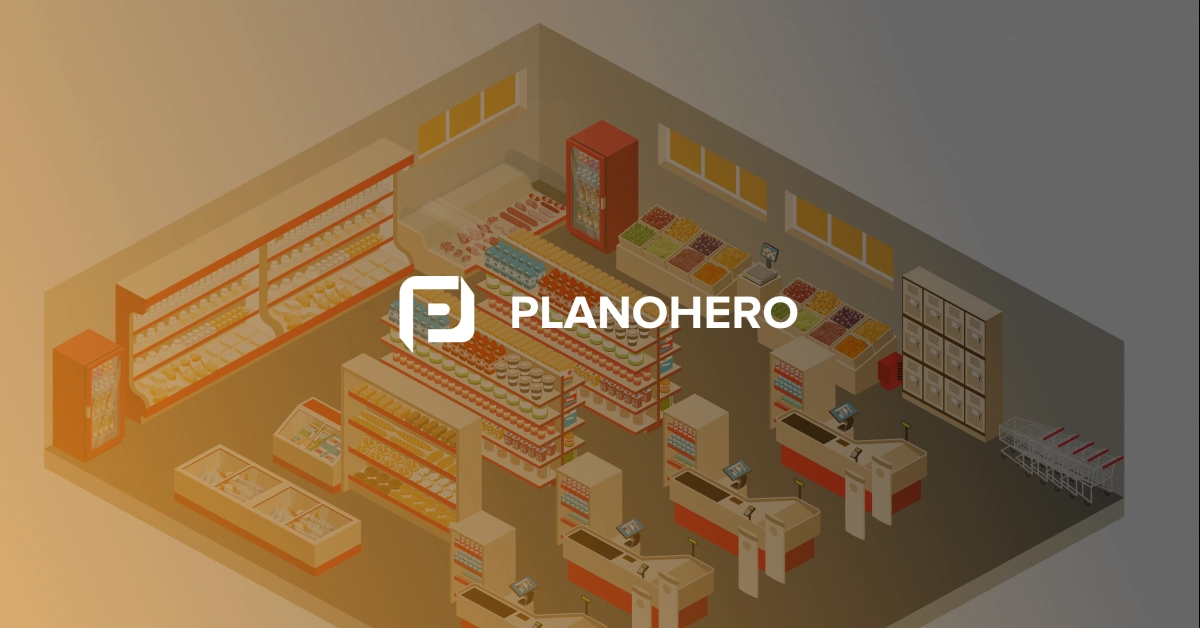
Designing an effective convenience store layout in 2026 goes far beyond placing shelves and products. It’s about building a data-driven, AI-powered retail environment that maximizes every square foot and transforms how customers shop.
With modern planogram software and real-time analytics, retailers can now simulate layouts, predict shopper flow, and optimize category performance — before implementing a single fixture. Whether you’re launching a new store or revamping an existing one, understanding how AI, automation, and smart merchandising principles converge is key to sustained retail success.
Why Convenience Store Layout Still Defines Success in 2026
A store layout isn’t just an arrangement of products — it’s a behavioral design system that shapes how customers move, browse, and buy. In convenience retail, where the average shopping trip lasts under five minutes, every meter of space must perform.
Here’s why an optimized layout matters more than ever:
1. It Drives Real-Time Buying Decisions
Modern convenience stores use AI heatmaps and shopper analytics to understand traffic patterns and optimize placement. High-margin impulse items are positioned near checkout, while essential products draw customers deeper into the store.
AI insights reveal where shoppers pause, how they navigate, and which zones trigger the most conversions.
2. It Maximizes Limited Retail Space
With most convenience stores operating within 1,000–3,000 square feet, spatial intelligence is everything.
Digital layout simulations allow you to test new configurations virtually — ensuring every inch generates revenue and eliminating dead zones.
3. It Supports Smarter Inventory and Replenishment
Layouts integrated with AI-driven planograms automatically adjust to real-time sales data, preventing stockouts and overstocks. Fast-moving SKUs stay visible and accessible, and replenishment is streamlined through automated planogram updates.
4. It Enhances Shopper Experience
A layout that feels intuitive reduces decision fatigue and keeps customers coming back. Clear sightlines, logical category zoning, and smart signage turn quick visits into pleasant experiences — even during peak hours.
5. It Reduces Operational Bottlenecks
AI tools now simulate staff and shopper movement to identify bottlenecks before they occur. A clean, organized layout helps with restocking, cleaning, and surveillance, minimizing shrinkage and maximizing productivity.
An effective layout is no longer designed by instinct — it’s guided by data, refined by AI, and tested in digital twins before reaching the floor.
Try Free Demo
Designing the Perfect Convenience Store Layout Plan
Creating a high-performing layout is about strategy, data, and flexibility. Here’s how to approach it: Here’s a deeper dive into creating a layout that drives results:
1. Know Your Shopper Personas
Define who your primary customers are. Are they commuters grabbing coffee and fuel? Students shopping late night for snacks? Each persona has unique needs, and the layout should be tailored accordingly.
- Commuters: Fast checkout, clear signage, grab-and-go sections.
- Families: Wider aisles for strollers, logical category groupings.
- Teens/Students: Emphasis on snacks, drinks, and tech accessories.
2. Choose the Right Layout Type
Depending on your store size and objectives, select a layout that optimizes movement and exposure:
- Grid Layout: Traditional and efficient. Best for standard product lines.
- Loop/Racetrack Layout: Guides shoppers through key areas.
- Free-Flow Layout: Encourages browsing. Good for lifestyle or hybrid c-stores.
- Diagonal Layout: Enhances visibility and security, ideal for smaller stores.
3. Define Focal Points
The power wall—typically the right-hand wall when entering—is where customer attention naturally goes first. Use this area for high-impact displays, seasonal features, or signature categories.
Endcaps, dump bins, and freestanding displays act as focal points throughout the store. They break up monotony and create interest.
4. Use Data to Optimize Fixtures and Flow
Rely on sales heatmaps, dwell time analytics, and category velocity to fine-tune your design. Adjust spacing between fixtures to control traffic pace and ensure hot zones receive prime positioning.
Tip: Use wider aisles near the beverage fridge and checkout to reduce bottlenecks during rush hours.
5. Build Flexibility into Your Layout
Consumer needs change—so should your layout. Modular fixtures and adjustable shelving allow for seasonal resets, promotional events, and changing product assortments without overhauling the entire space.
Learn More
Principles of an Effective Convenience Store Design Layout
A successful convenience store design layout blends functionality with psychology, merchandising science with aesthetics. Whether your store is 500 square feet or 5,000, these principles are timeless and universal:
1. Clarity Over Complexity
Keep the design intuitive. The faster a customer understands the store's flow, the more likely they are to explore and buy. Use consistent signage, clear category groupings, and visible landmarks like refrigerated cases and endcaps.
2. Optimize for Traffic Flow
Design with the natural path in mind:
- Entry → High-demand zones (coffee, drinks)
- Mid-store → Browsing categories (snacks, grocery)
- Back-of-store → Essentials (milk, bread)
- Checkout → Impulse zones (candy, energy shots, gadgets)
Avoid dead ends and sharp turns. A continuous, smooth path improves circulation and exposure to merchandise.
3. Balance Sales Potential and Shopper Comfort
Avoid cramming too many SKUs into a limited space. While product density is important, it shouldn’t come at the expense of visual appeal or accessibility. Respect personal space and ADA-compliant aisle widths (typically 36–48 inches).
4. Zoning for Efficiency and Strategy
Segment your store into "zones" that align with both customer missions and operational tasks:
- Fast Zones (coffee stations, hot grab-and-go foods)
- Browsing Zones (magazines, snacks, beverages)
- Essentials Zone (household, dairy, grocery staples)
Each zone should tell a story and complement your customers' shopping mission.
5. Lighting, Color, and Signage
Lighting acts as silent persuasion. Bright, white LED lighting enhances visibility and cleanliness. Use color coding to signal categories (e.g., blue for frozen, red for drinks), and ensure signage is legible from a distance.
Directional signage also plays a major role in aiding quick navigation. Include floor decals, hanging signs, and shelf tags to further support a shopper-friendly environment.
6. Focus on Shelf-Level Execution
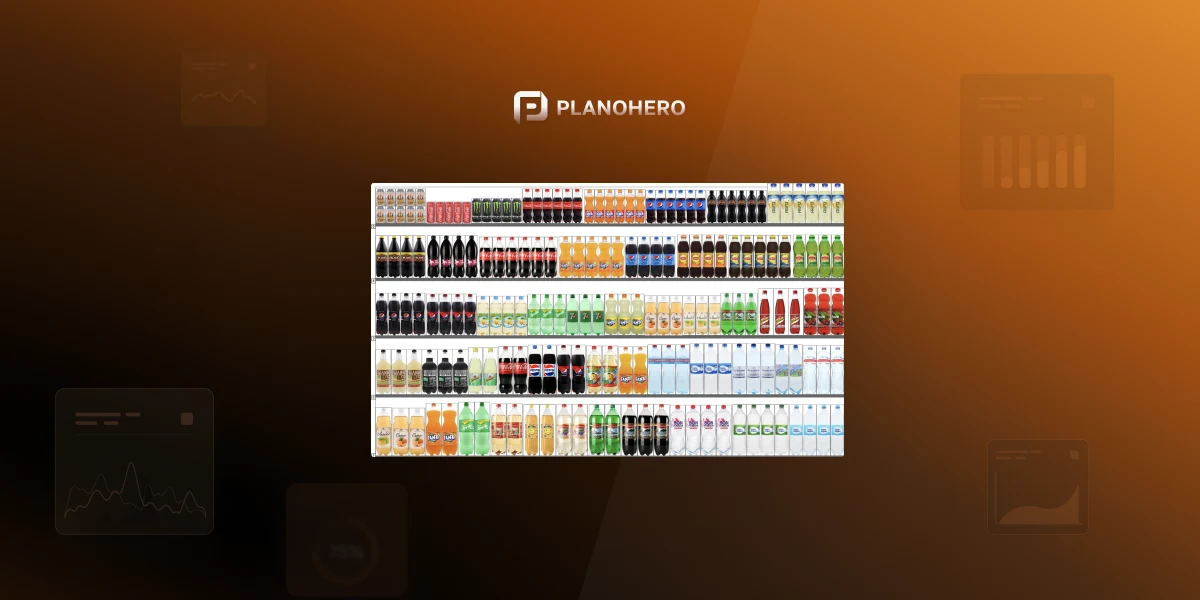
Your layout sets the stage, but what’s on the shelves closes the sale. Use planograms to define:
- Ideal shelf placement (eye level = buy level)
- Facing counts based on sales velocity
- Brand blocking to improve recognition
- Margin-based prioritization
When done right, every shelf becomes a revenue center, and each product placement becomes a strategic decision.
See Pricing
Avoid These Common Layout Mistakes
- Ignoring local customer behavior: Planograms and layouts must reflect regional and cultural buying patterns.
- Neglecting shelf performance analysis: Monitor sales per meter, shelf fullness, and turnover regularly.
- Static layouts: Your plan must evolve based on new data, seasonal trends, and shifting customer preferences.
Tips for Small Convenience Store Layouts
For smaller footprints, efficiency is everything. Here are layout techniques that squeeze maximum value from minimal space:
- Use loop/racetrack layouts to guide traffic through promotional areas.
- Install mirrored panels to make the store feel more spacious.
- Cross-merchandise complementary items (e.g., soda near chips).
- Place grab-and-go foods near the entrance to capture busy commuters.
- Use floor decals and signage to visually organize zones in tight spaces.
To streamline layout creation and maximize sales potential, modern convenience store owners turn to PlanoHero. This advanced, web-based planogram software simplifies how you design, manage, and optimize shelving space using real-time sales data. With PlanoHero, you can:
- Create and edit professional planograms online
- Visualize product placement for any shelf or section
- Track category performance and layout efficiency
- Automate planogram distribution across locations
- Ensure consistency across your chain or franchise
Whether you're launching a store or upgrading your current convenience store design layout, PlanoHero empowers you to make smarter merchandising decisions—quickly and at scale.
Try Free Demo
PlanoHero: Smarter Merchandising, Powered by AI
PlanoHero brings all these innovations together in one platform. This AI-powered planogram and merchandising software helps retailers design, execute, and analyze store layouts at scale — all from the cloud.
With PlanoHero, you can:
- Create and adjust professional planograms online
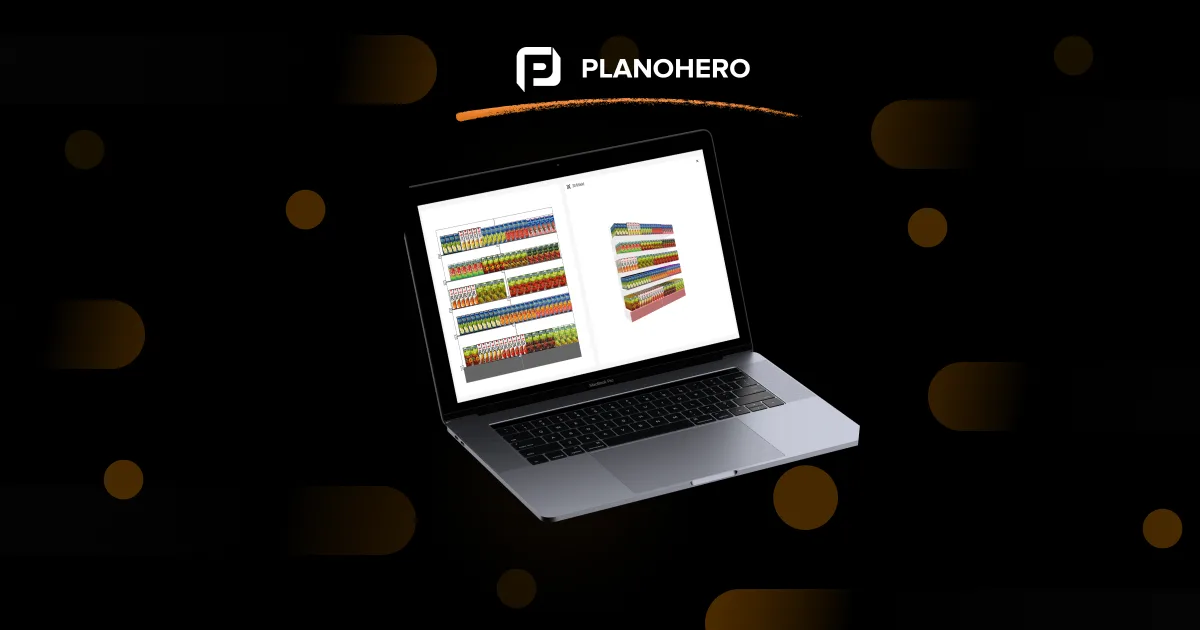
- Visualize layouts in 2D, 3D, or AR
- Track category performance and shelf efficiency
- Automate planogram distribution across multiple stores
- Analyze real-time compliance and out-of-stock data
Work Smarter, Not Harder: PlanoHero transforms retail analytics into actionable layouts — boosting sales, reducing waste, and enhancing the shopper experience.
PlanoHero FAQ
1. What is the best planogram software for my retail store?
The best planogram software is the one that helps you efficiently create planograms, manage your assortment, and ensure accurate execution across all stores. Look for tools that allow you to design layouts quickly, adjust product mixes based on sales or seasonal demand, and track compliance on the sales floor. Software like PlanoHero combines these features to streamline merchandising, maintain consistency, and improve overall store performance.
2. Can PlanoHero handle multiple stores?
Yes! Create, manage, and distribute planograms across locations while maintaining layout consistency.
3. Can planogram software help reduce out-of-stock issues?
Yes. With tools like PlanoHero, you can monitor shelf compliance, analyze out-of-stock trends, and quickly adjust layouts to improve availability and sales. PlanoHero links planograms to real-time sales data, enabling optimization of placement, inventory monitoring, and informed merchandising decisions.
4. Is it easy to use?
Absolutely. PlanoHero is intuitive and web-based, designed for store managers and merchandisers, so anyone can create layouts quickly.
5. How does 3D or AR visualization help in retail merchandising?
They allow merchandisers to preview layouts before physical changes, saving time and ensuring consistency across all stores. PlanoHero supports both 2D and 3D visualization modes.
4. What pricing options are available?
Flexible plans based on store count and features, plus a free demo to explore capabilities before committing.
You can start with a free demo to explore how the system works for 14 days, then choose the plan that best matches your merchandising needs.
PlanoHero Starter ($149/month) - Essential planogram creation
If you're starting to explore planogramming or looking for a convenient way to create planograms, the Starter plan is the right choice. It offers a minimal set of functions for creating a planogram layout.
PlanoHero Pro ($299/month) - Layout execution control with photo verification
If you are concerned not only with creating planograms but also with advanced customization options and control over layout execution in stores (sending planograms and checking them with photo reports), then the Pro plan will suit you.
PlanoHero Enterprise - End-to-end planogram automation and analytics
If you want to automate and manage planogramming across your chain, choose the Enterprise plan. Here, you can access the full functionality of the service: creating planograms, custom layout rules, working with assortment, controlling the execution of planograms, PlanoHero Layout mobile application, and analyzing layout efficiency.
5. Can it integrate with my POS or inventory system?
Yes, PlanoHero integrates with most retail systems to ensure accurate data and streamline operations.
Final Insight
In 2026, the most successful convenience stores aren’t the biggest — they’re the smartest.
By combining AI-driven insights, flexible layouts, and real-time analytics, you can turn every square foot into a profit center and every visit into a data-backed opportunity.
Looking for a service to create planograms?
Try a free demo version of PlanoHero